 Now on the App Store · Mac, iPhone & iPad
Record meetings automatically. Rich transcripts, entirely on device.
Turn on automatic recording on your Mac. Transcripts detects supported calls, captures both sides, and creates speaker-labeled notes with summaries and action items. Record on iPhone and iPad, then share the results through iCloud Drive.
Install with Homebrew
brew install --cask doughatcher/tap/transcripts
Advice for MDM-managed Macs
On a work Mac with no admin rights, open Transcripts.app
and it offers to move itself into ~/Applications — your own
Applications folder, which needs no administrator — and reopens from there.
It is notarized, so Gatekeeper lets it run without a password. Grant the
microphone when asked.
Recording the other side of a call asks for one more permission, and that is an ordinary Allow dialog too: no administrator, no trip through System Settings. Decline it and calls still record your microphone. If your Mac offers you Screen Recording and it wants an admin password, you can ignore it — that was the old way and is no longer needed.
If this host is blocked on your network, the same build is on GitHub releases — take the newest pre-release. Full steps, and what to tell IT.
Watch the demo
Readable while it's still happening
The transcript is written to a plain file, turn by turn, as people speak. Point an AI assistant at it during the call — "read the live transcript and draft the follow-up" — before anyone has hung up. It's a file, so there's no integration to set up and no key to paste.
It knows when the meeting started
On the Mac, Transcripts watches for Teams, Zoom, Webex, Meet, Slack huddles and Discord. When a call begins it can prompt you to record, capturing your microphone and the other participants as separate tracks — and stops when the call ends. The Mac App Store edition asks first; automatic recording is an option in Settings. FaceTime and iPhone calls are shielded by macOS call privacy, so record those on your iPhone — the recordings land in the same library.
Summaries as deep as you want
Apple Intelligence writes the title, the TL;DR, the key points and the action items on-device. Point it at a local Ollama server instead and you can run a far larger model. If neither is available there is a built-in summarizer that always works, so a recording is never left unprocessed.
Who said what
Your side of a call arrives on its own track, so it is never in doubt. Turn on voice attribution and the other side is split into individual people and named — from the transcript when someone is addressed, and by voiceprint once you have confirmed them. Wrong guesses are correctable, and each correction teaches it.
It can start without you
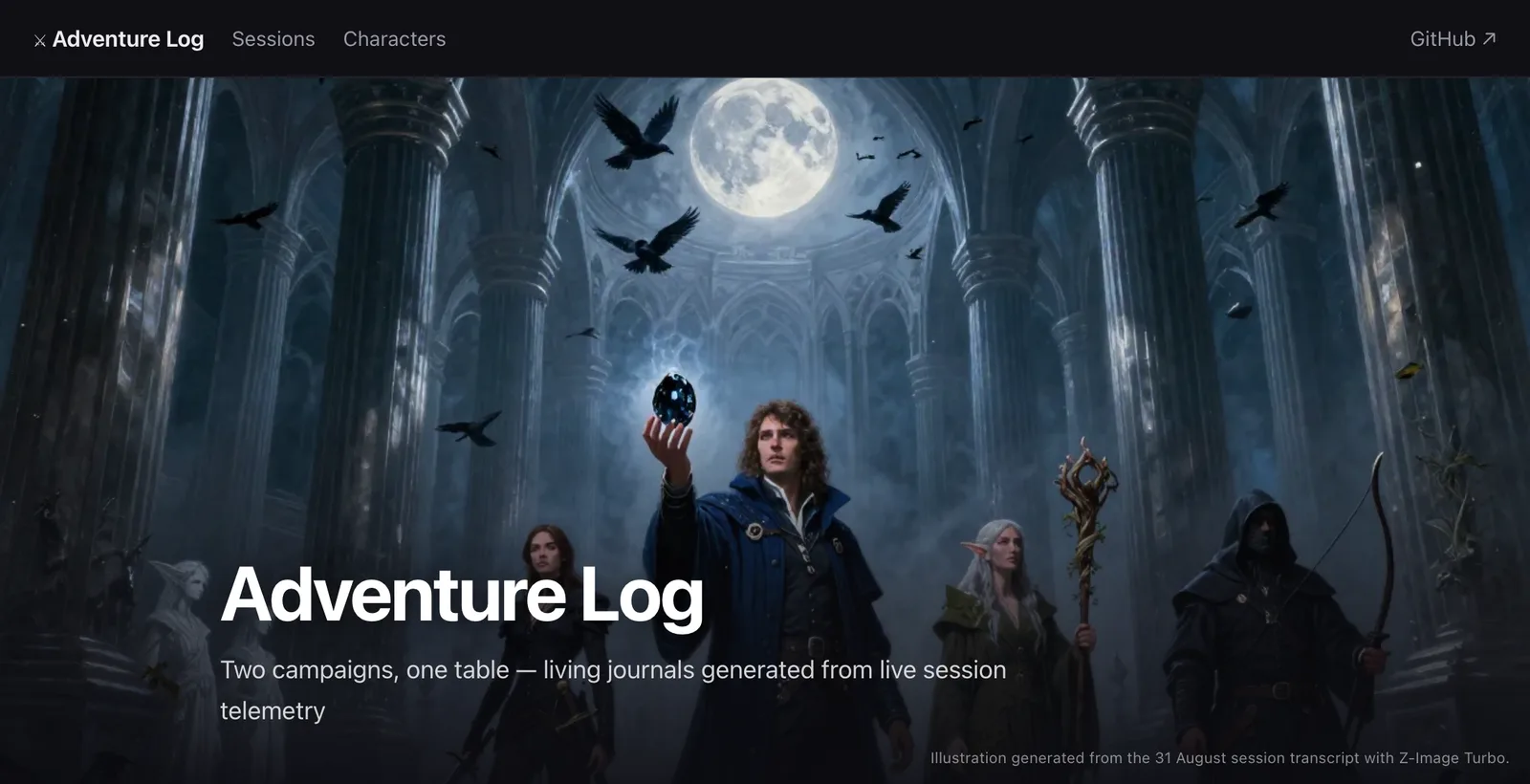
Transcripts adds Start Session and End Session to Shortcuts, so a weekly game or standing meeting can record itself — arrive at the place, on the evening, and it begins. Sessions group a whole evening's recordings under one name, file them together, and run an action of yours once when it's over.
A pipeline you can open up
Every recording moves through five stages — encode, transcribe, summarize, classify, persist — and you can replace any of them with a script of your own in the direct-download Mac edition. The Mac App Store edition uses the built-in pipeline. Compare the editions.
Your files, in your folder
Ordinary .m4a audio with plain-text transcripts beside it, in
a folder you choose — iCloud, OneDrive, Dropbox, or just this Mac. No
library to escape from, nothing to export. Point the phone at the same
folder and the two halves join up with nothing configured.
How it works
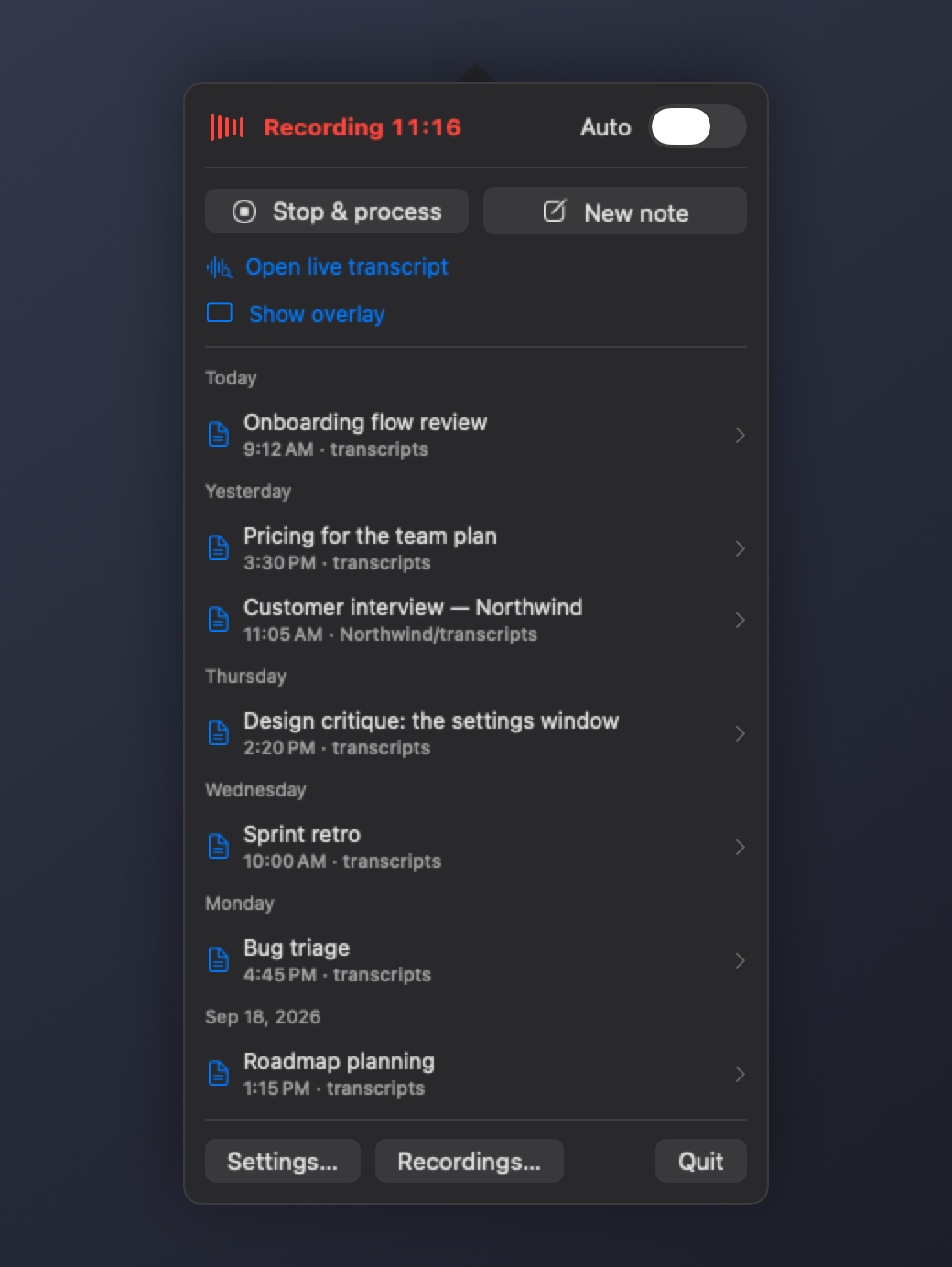
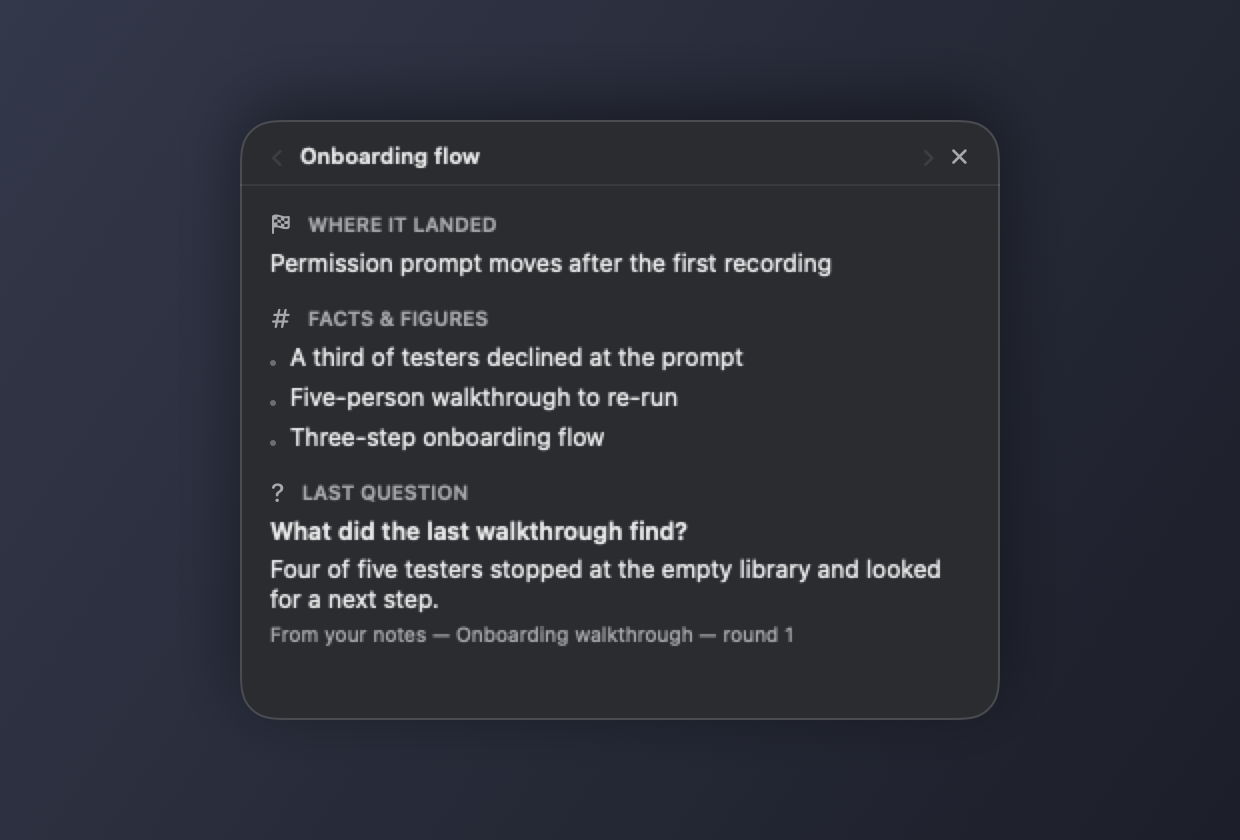
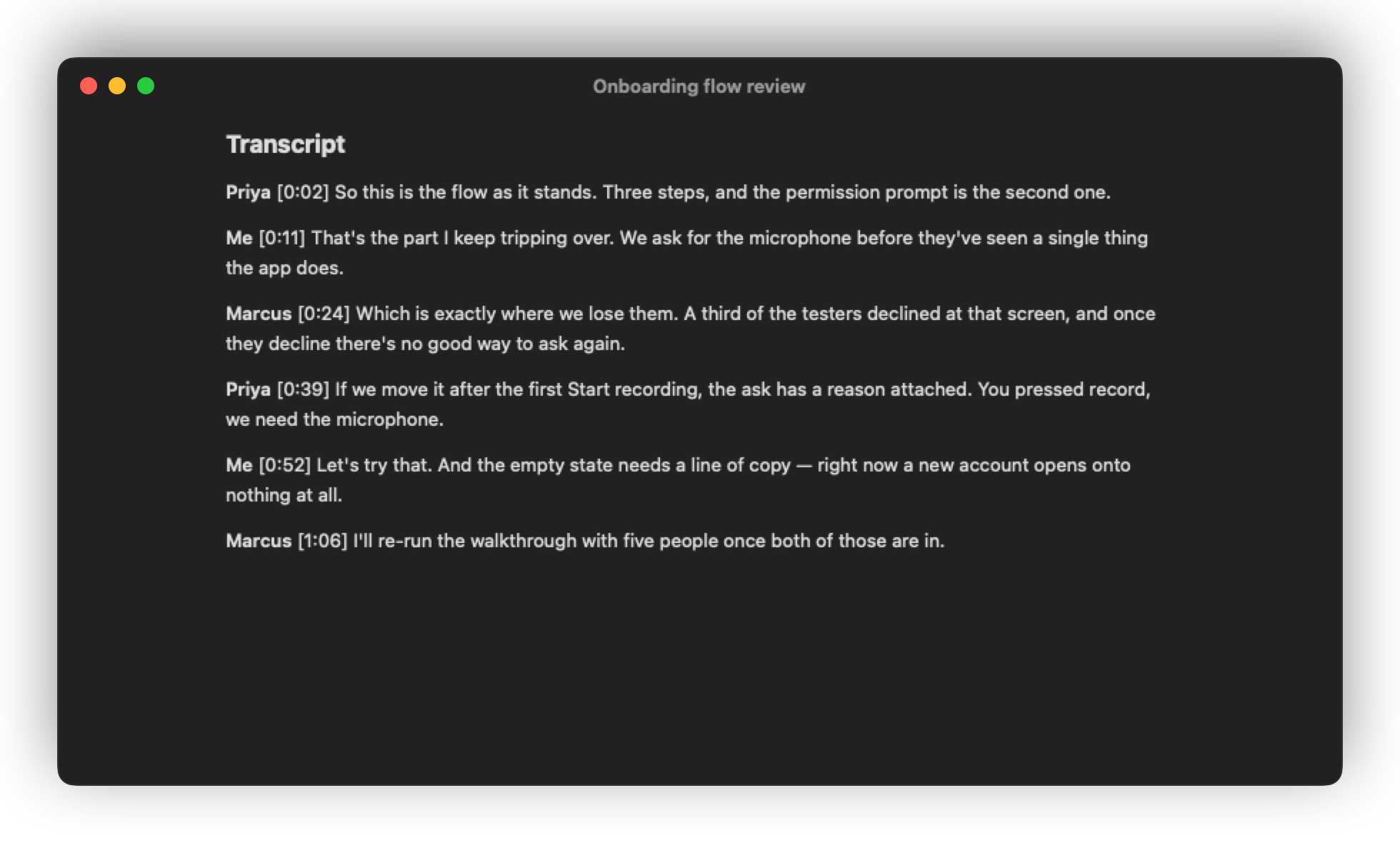
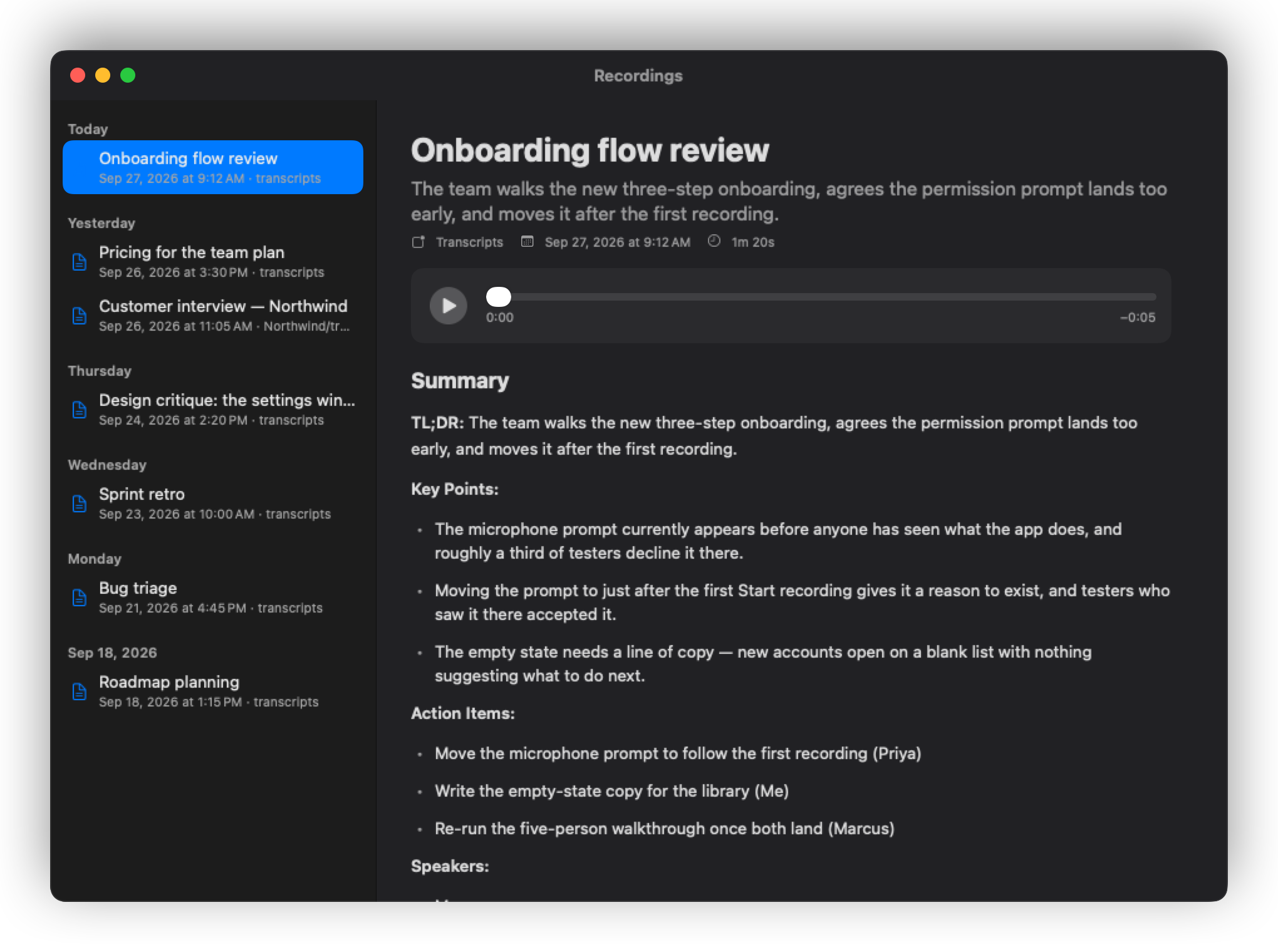
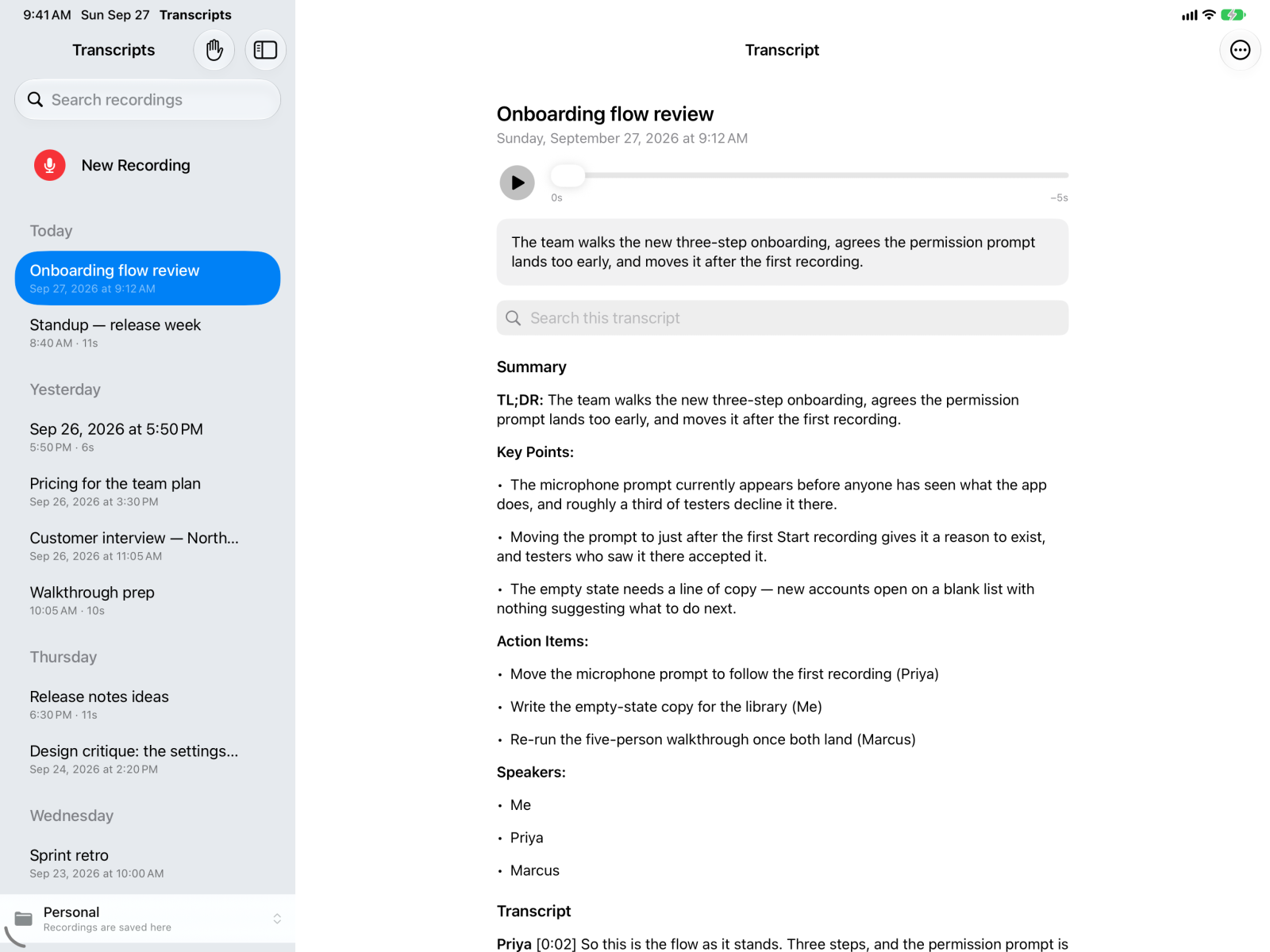
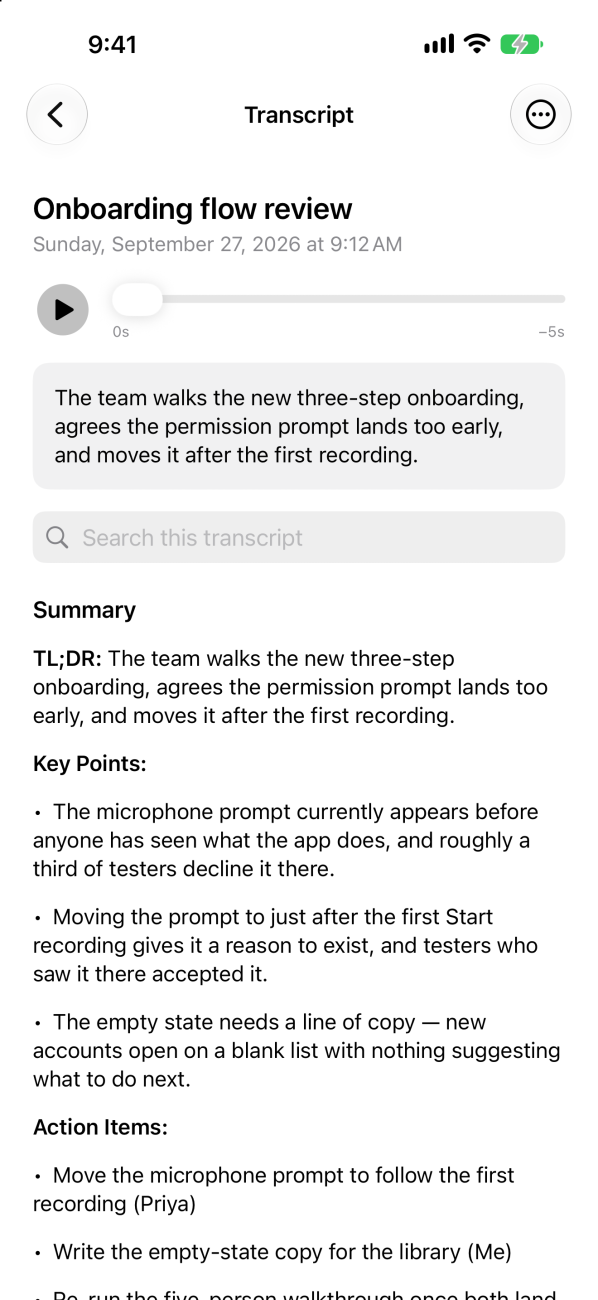
Available now. Transcripts 1.1.0 is on the App Store for Mac, iPhone and iPad. Record on your device and choose a shared iCloud Drive folder to keep your recordings together.
Two ways to get the Mac app. Install from the Mac App Store for store-managed updates, or use the signed and notarized direct download or Homebrew for custom scripts and the Handoff pipeline. See what differs.
If something misbehaves, please report it. To try upcoming iPhone and iPad builds, join the TestFlight beta.
Recording laws vary by country and state, and some require the consent of everyone in the conversation — Transcripts gives you a recorder, and the rest is yours.